
What you get
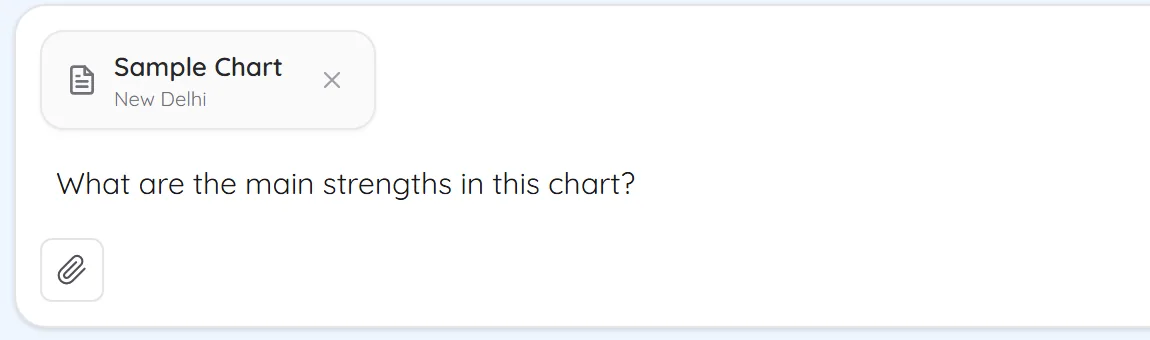
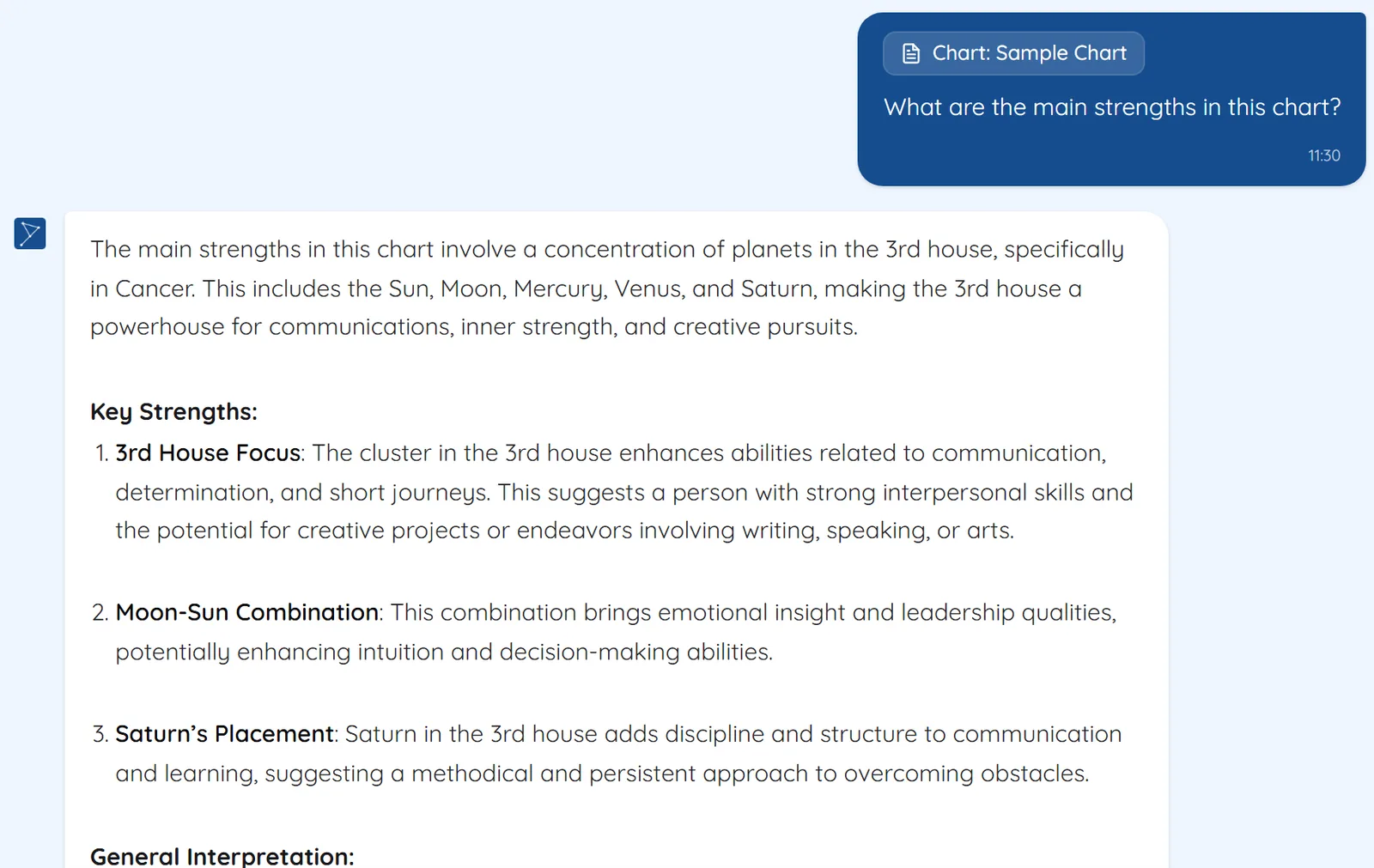
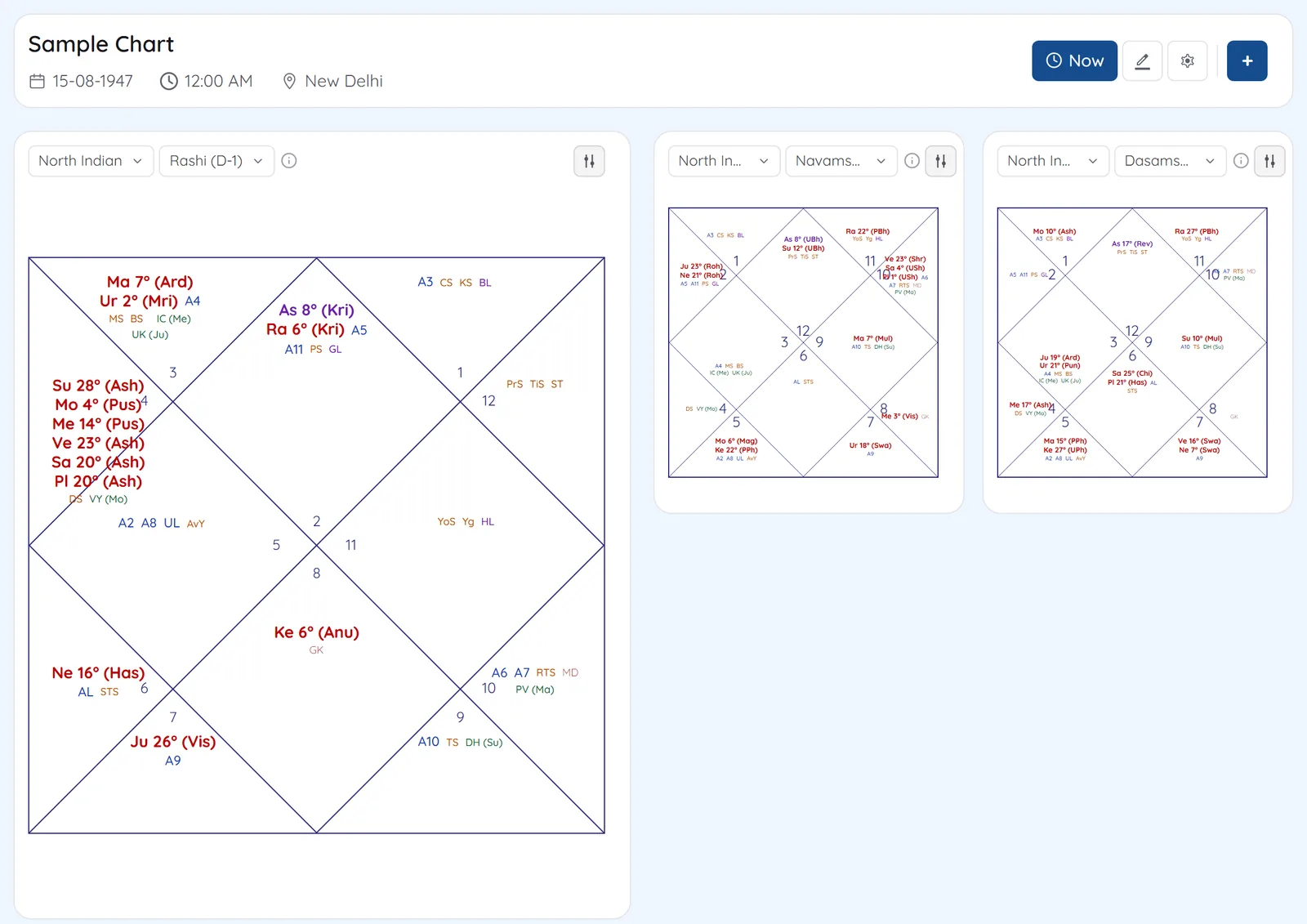
Pick any chart from your saved charts and it travels with your question. The assistant answers about that chart, and the conversation is kept so you can come back to it.
- Attach any saved chart from the paperclip menu, searchable by name and place
- The chart stays attached for follow-up questions until you remove it
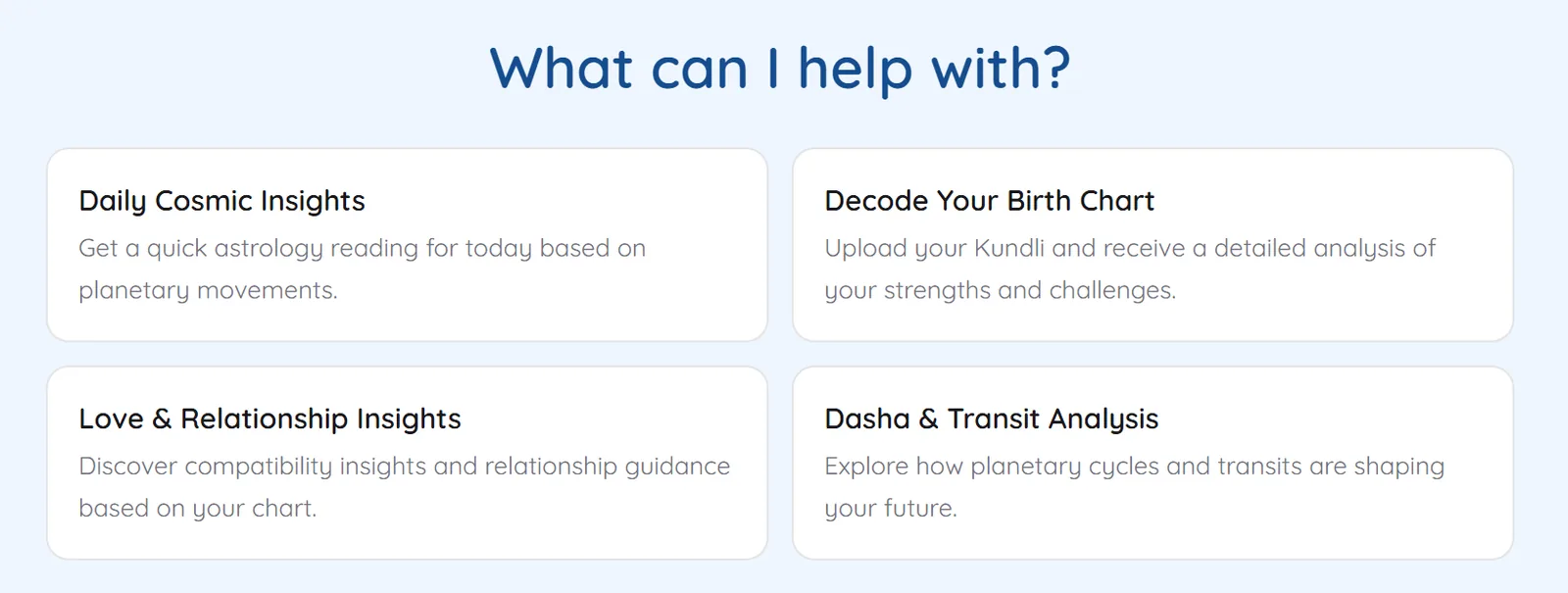
- Starting points for the birth chart, relationships, dashas and transits
- Conversations are saved; the latest ten sit in the sidebar to reopen, rename or delete
Screens
1Pick a saved chartSearch your saved charts and attach one to the conversation. 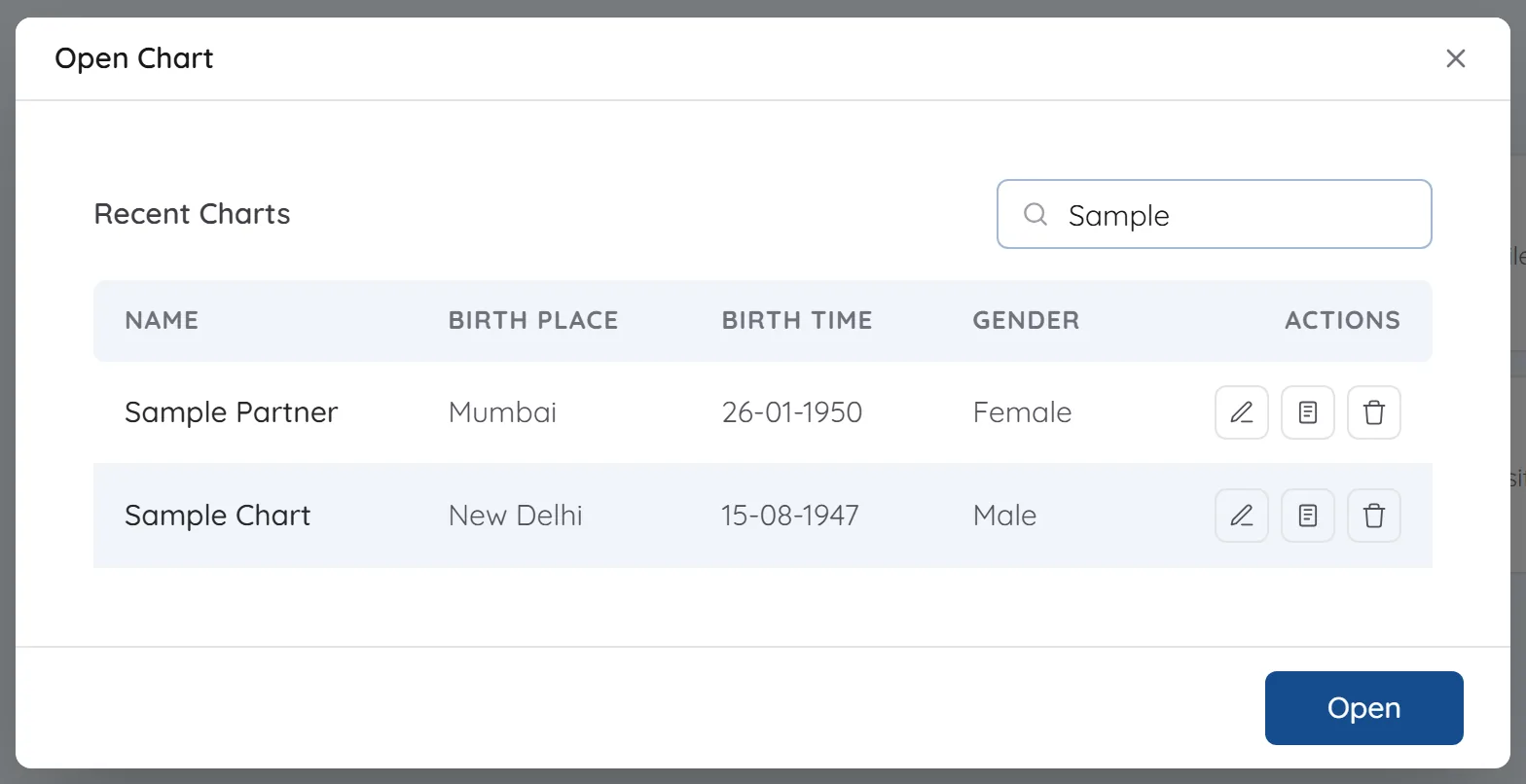
2Ask about itThe chart travels with the question. 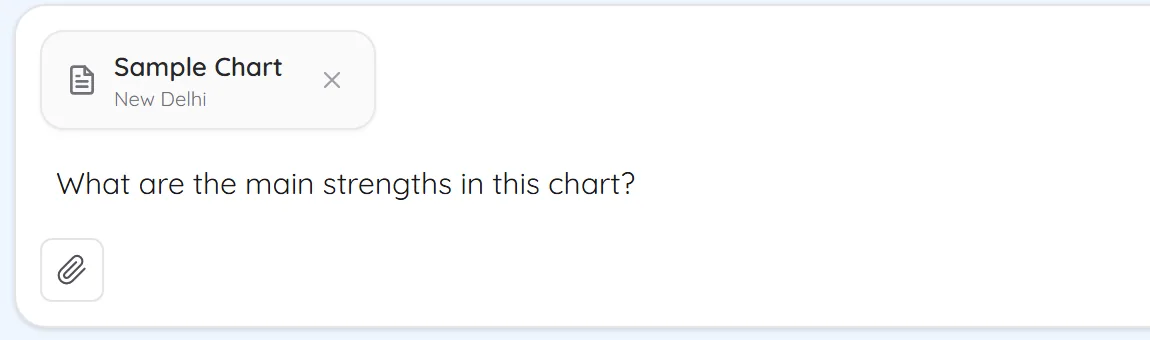
3An answer about that chartThe reply reads from the attached chart's placements. 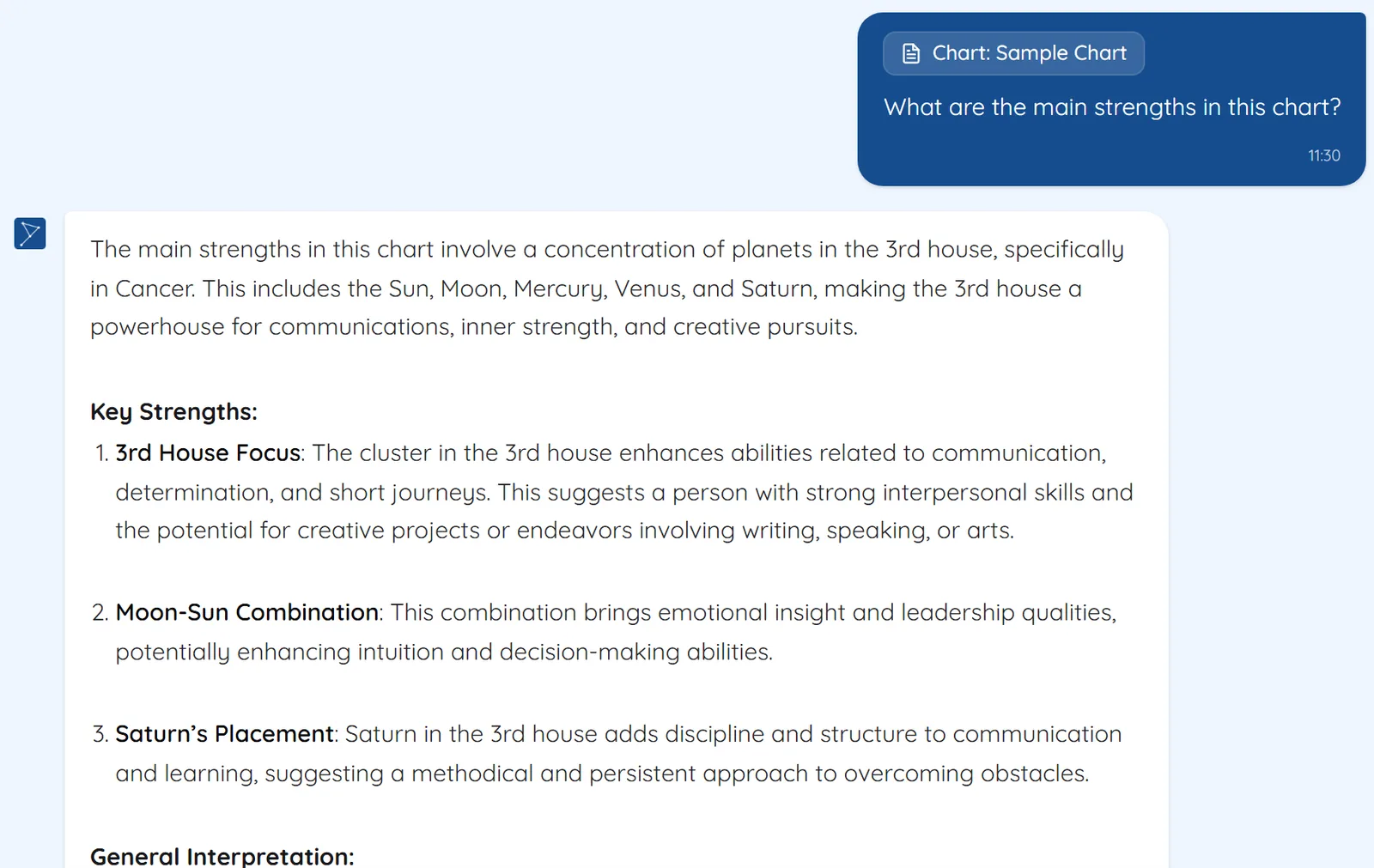
See Chart analysis on your own chart
7 days free on any plan. Cancel before the trial ends and you pay nothing.