
All tutorials
Ask Jyotisha AI about a chart
Chat about astrology in plain language, with a saved chart attached.
2 min · 3 steps
- 1
Start a chat
Open Jyotisha AI → New Chat. Choose one of the starting points or type your own question in the box at the bottom.
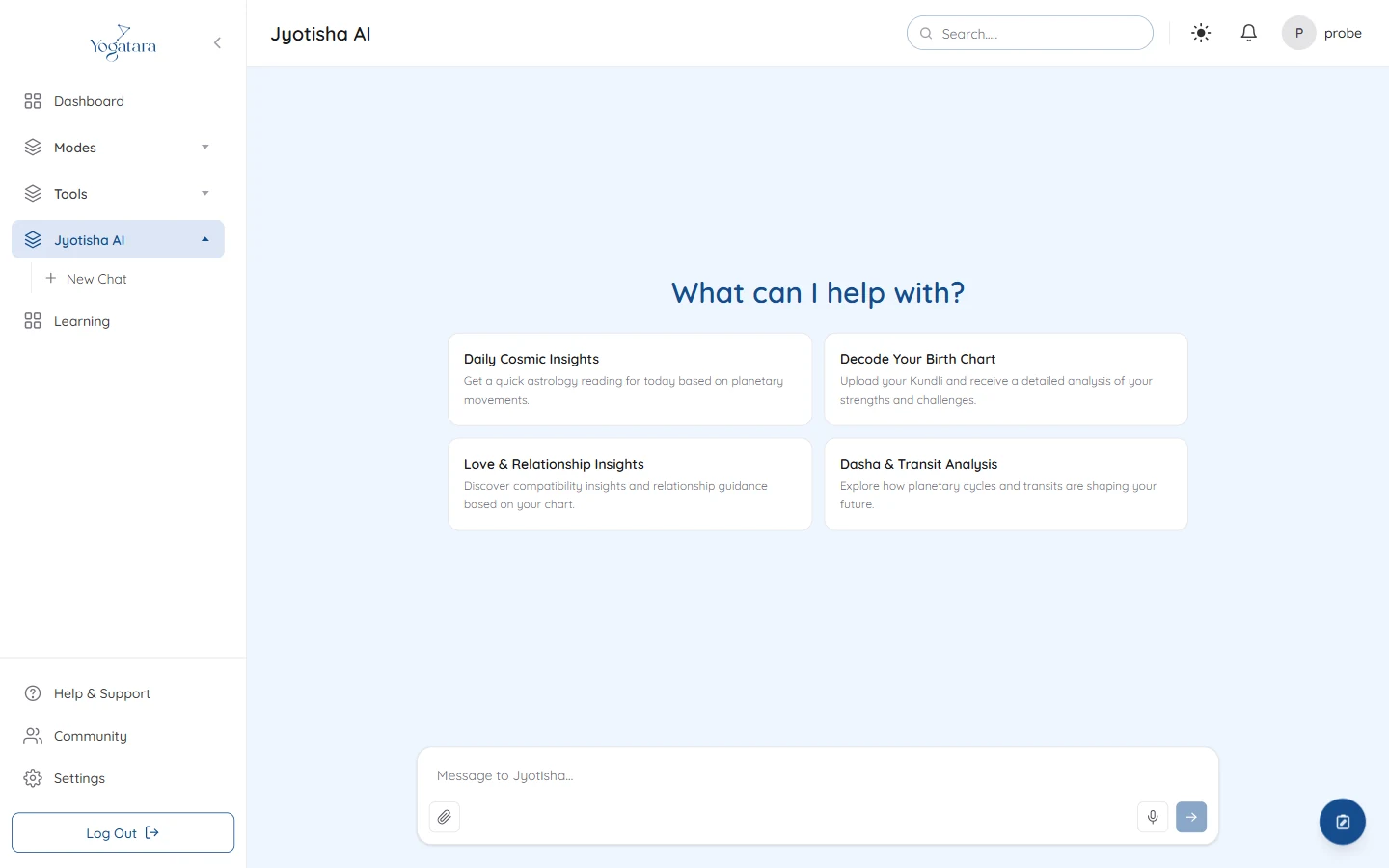
A new Jyotisha AI chat with four starting points - 2
Attach a chart
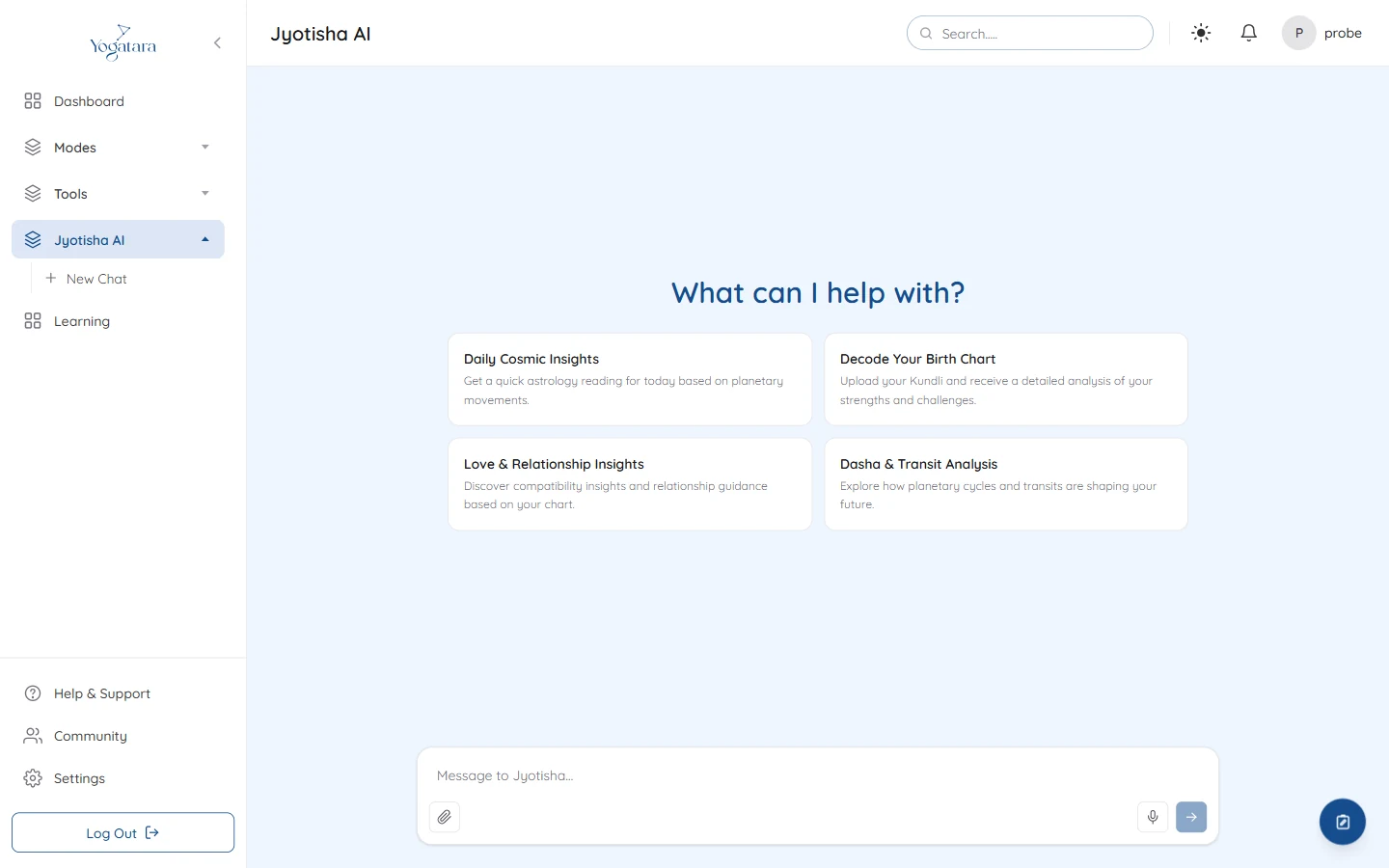
Select the paperclip, then Open Chart, and pick a saved chart. The assistant then answers about that person's chart.
- 3
Come back to it
Every conversation is saved in the sidebar under Jyotisha AI, where you can rename or delete it.
Try it on your own chart
7 days free on any plan. Cancel before the trial ends and you pay nothing.