
Yogatara partners
Become a Yogatara partner
Share your link and earn on every paid sign-up that comes from it.
15%
for creators
10%
for everyone else
How to get your link
- 1
Create your account
Sign up on Yogatara with your email. It's free.
Create free account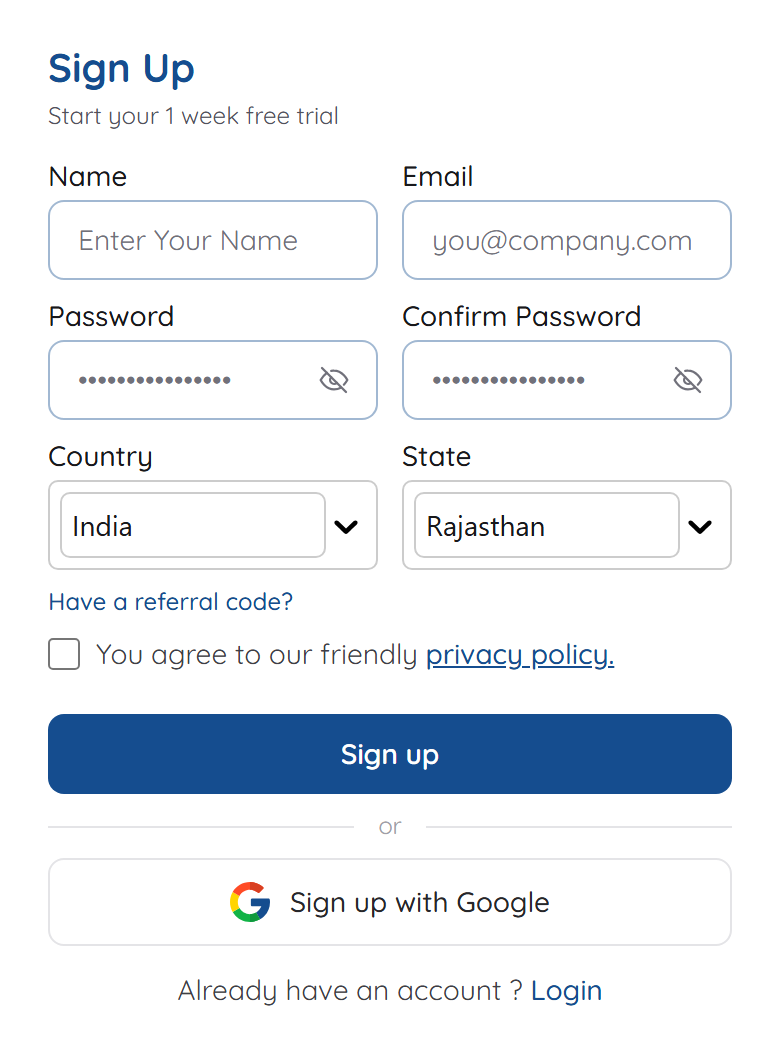
- 2
Open Account Settings
Sign in, then tap your profile picture at the top right.

- 3
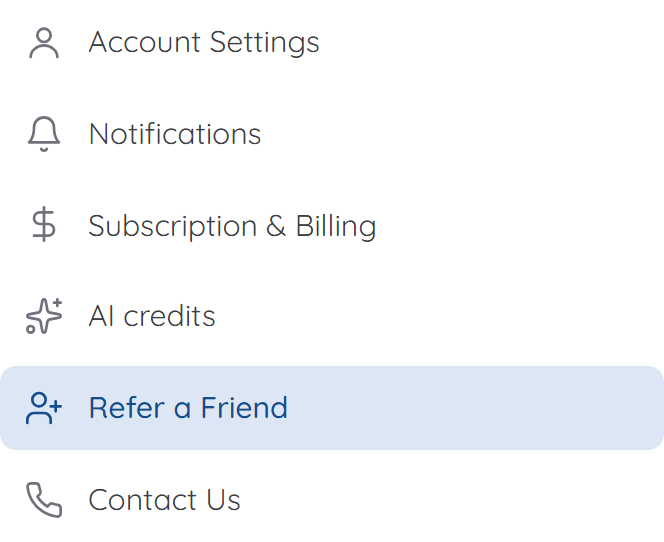
Open Refer a Friend
In the settings menu, tap "Refer a Friend".
- 4
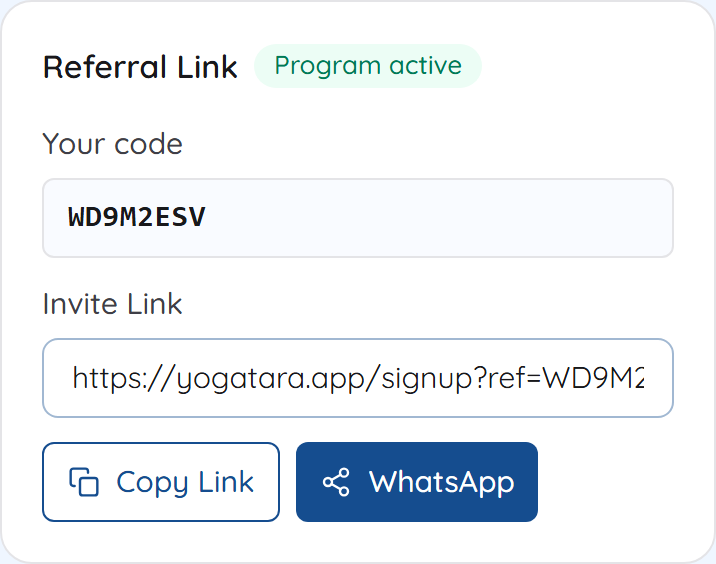
Copy your link
Tap "Copy Link" and share it in your bio, posts and stories. It opens sign-up with your code filled in.
How you get paid
Payouts are released every month.
Your share is credited as soon as the payment goes through. Withdraw it to your bank account or UPI from Settings → Referrals.
- How do I withdraw?
- Add your PAN and your UPI or bank details in Settings → Referrals, then request a withdrawal. We pay it to that account.
- Is tax deducted?
- TDS is deducted where the law requires it. The amount and the net payout are shown before you confirm a withdrawal.